


Improve completion rates (fast path)
If you just need the essentials, follow this:
- Write short, clear messages (key info first)
- Make every message action-oriented (explicit next step)
- Identify the sender clearly
- Include HELP and STOP guidance (where applicable)
- Use privacy-first wording for sensitive topics
- Test messages twice (simulator + real channel)
You’re done. Clear actions, relevant content, and consistent HELP/STOP guidance reduce drop-offs and opt-outs—especially at scale.
Step-by-Step Process
- Use simple words and short sentences.
- Put the most important information first.
- Avoid unnecessary details—especially in the first message.
- Use abbreviations only when needed, and only if they are widely understood by your audience.
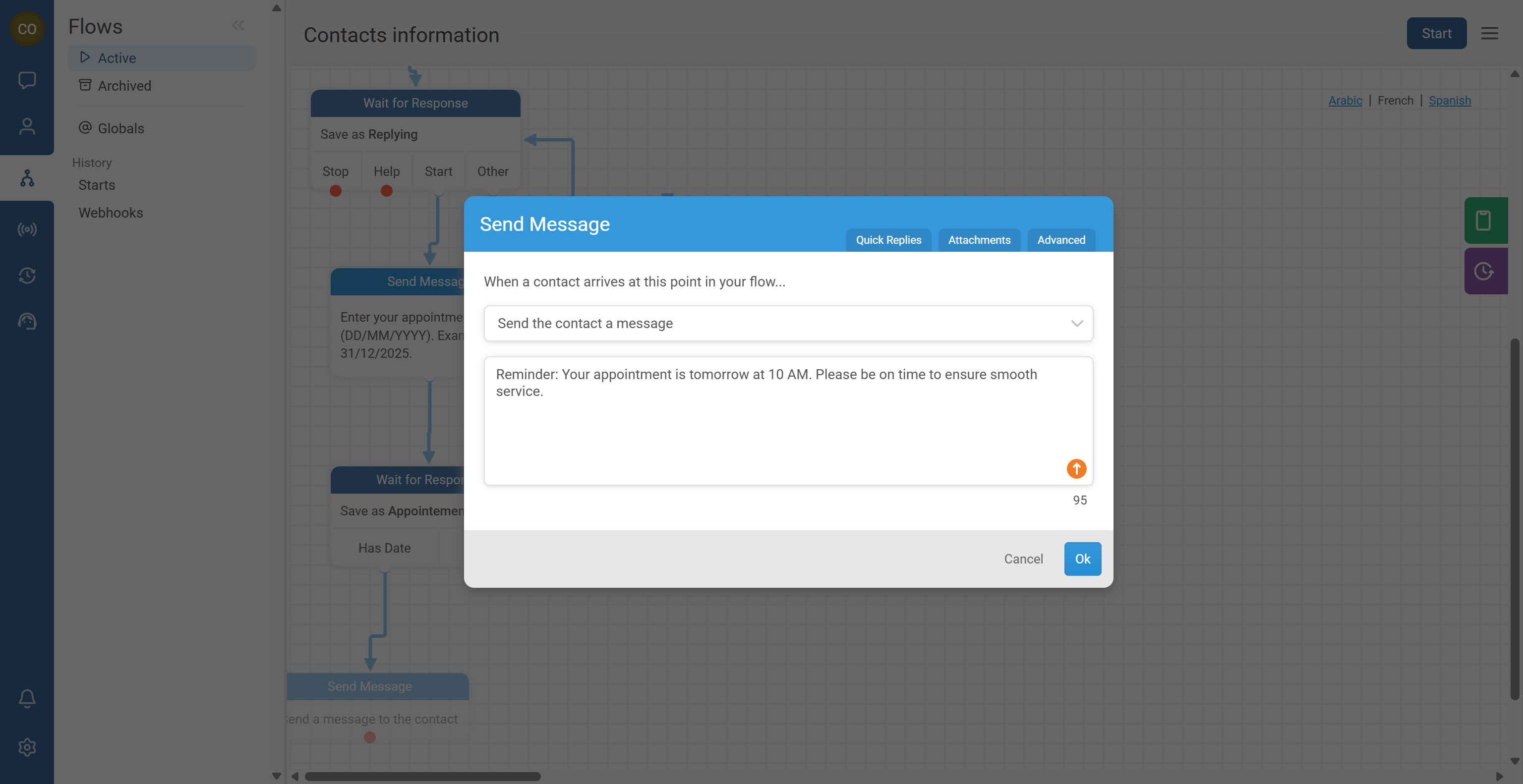
Your contact should never guess what to do next.
- Include a clear next step, like:
- “Reply 1 for Yes, 2 for No”
- “Reply with your district name”
- “Click the link to register”
- Explain why the action matters when it’s not obvious.
- Use strong verbs (example: reply, check, confirm, learn, join).
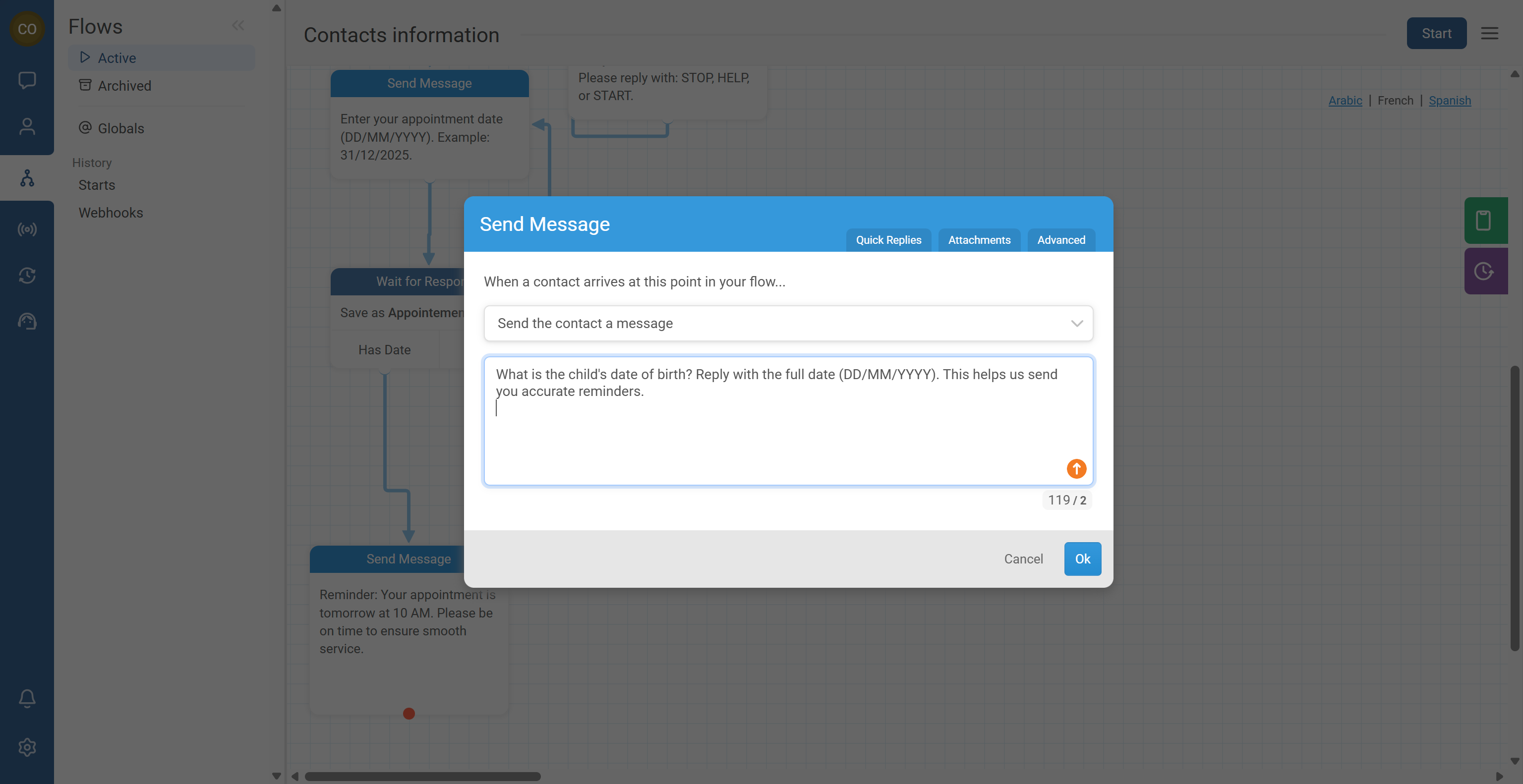
Good messaging is timely and purposeful.
- Tie messages to:
- A known deadline or appointment
- A season or local event
- A relevant program milestone (registration, follow-up, renewal)
- Deliver one clear point per message.
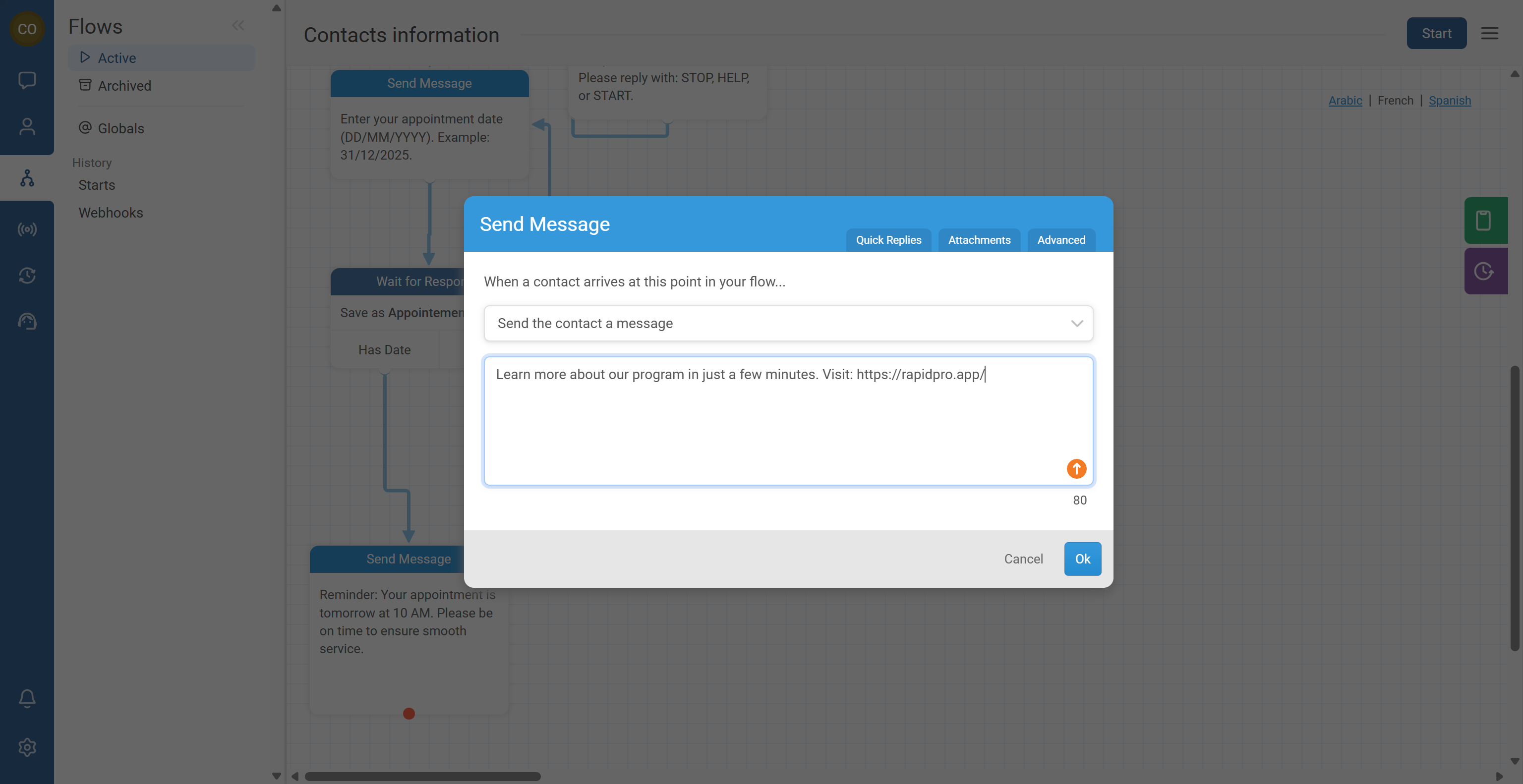
- Provide a resource when needed (phone number, help keyword, URL).
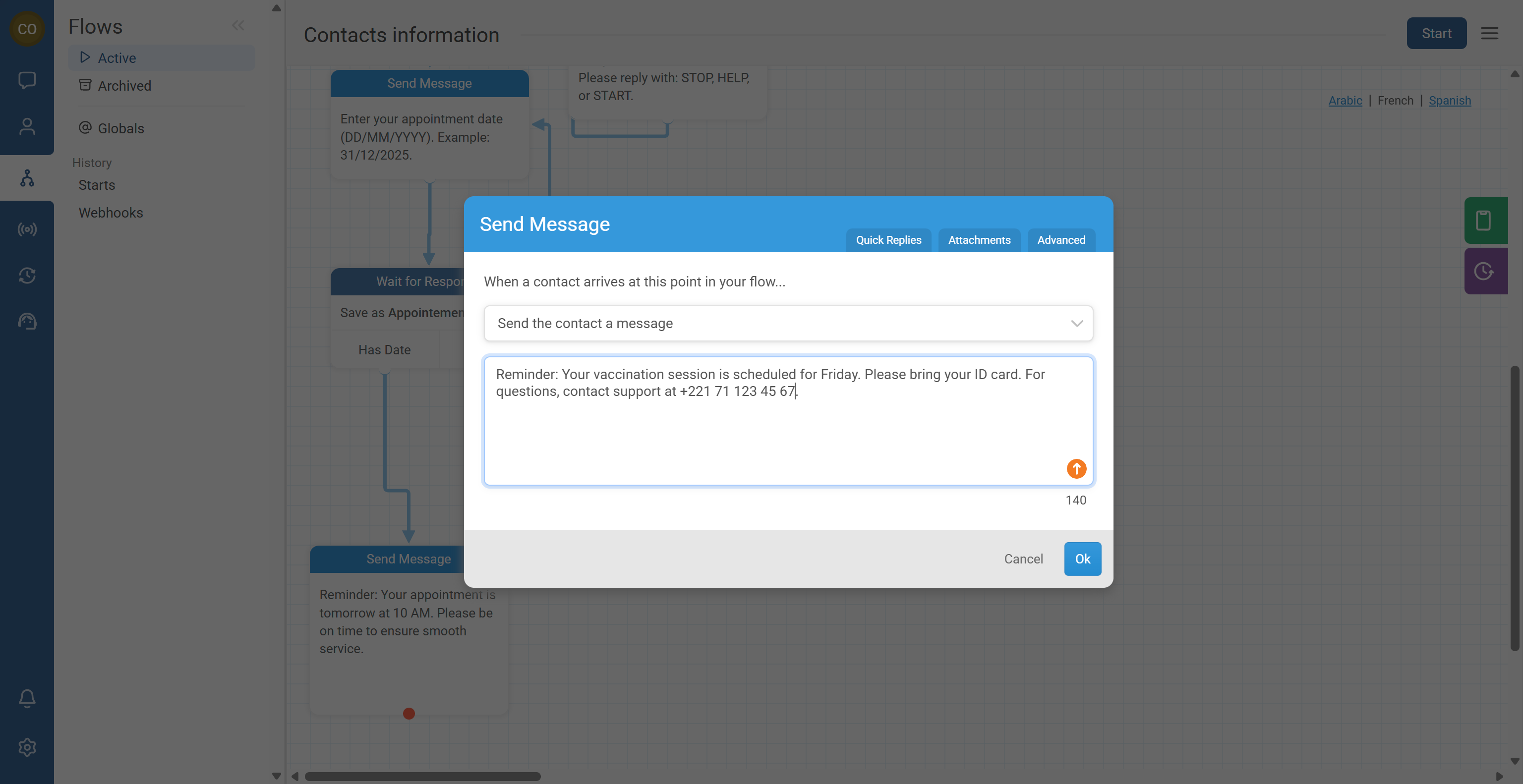
You can reuse existing materials (FAQs, fact sheets, help pages), but you must rewrite them for messaging.
- Extract the single key idea.
- Convert it into a short message that fits your channel.
- Add one call to action (reply, call, click, confirm).
- Link to a longer resource only when necessary.
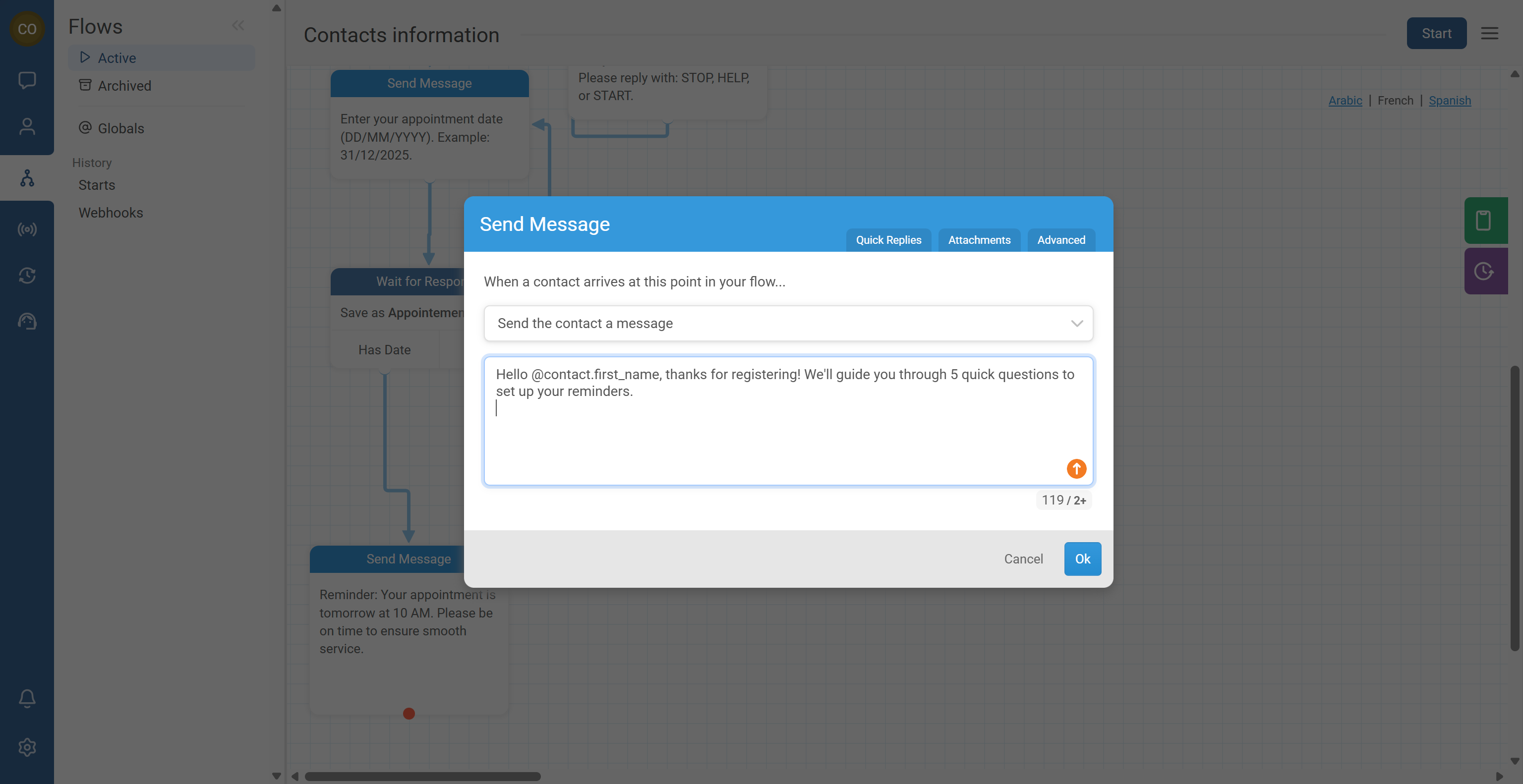
Personalized messages feel more human and can improve engagement.
- Ask a few key profiling questions early (only what you need), such as:
- Age group
- Location (district/region)
- Role (patient, health worker, caregiver, etc.)
- Use variables to personalize content, for example:
@contact.first_name@contact.district
- Segment messages using groups or fields so people receive only what is relevant.
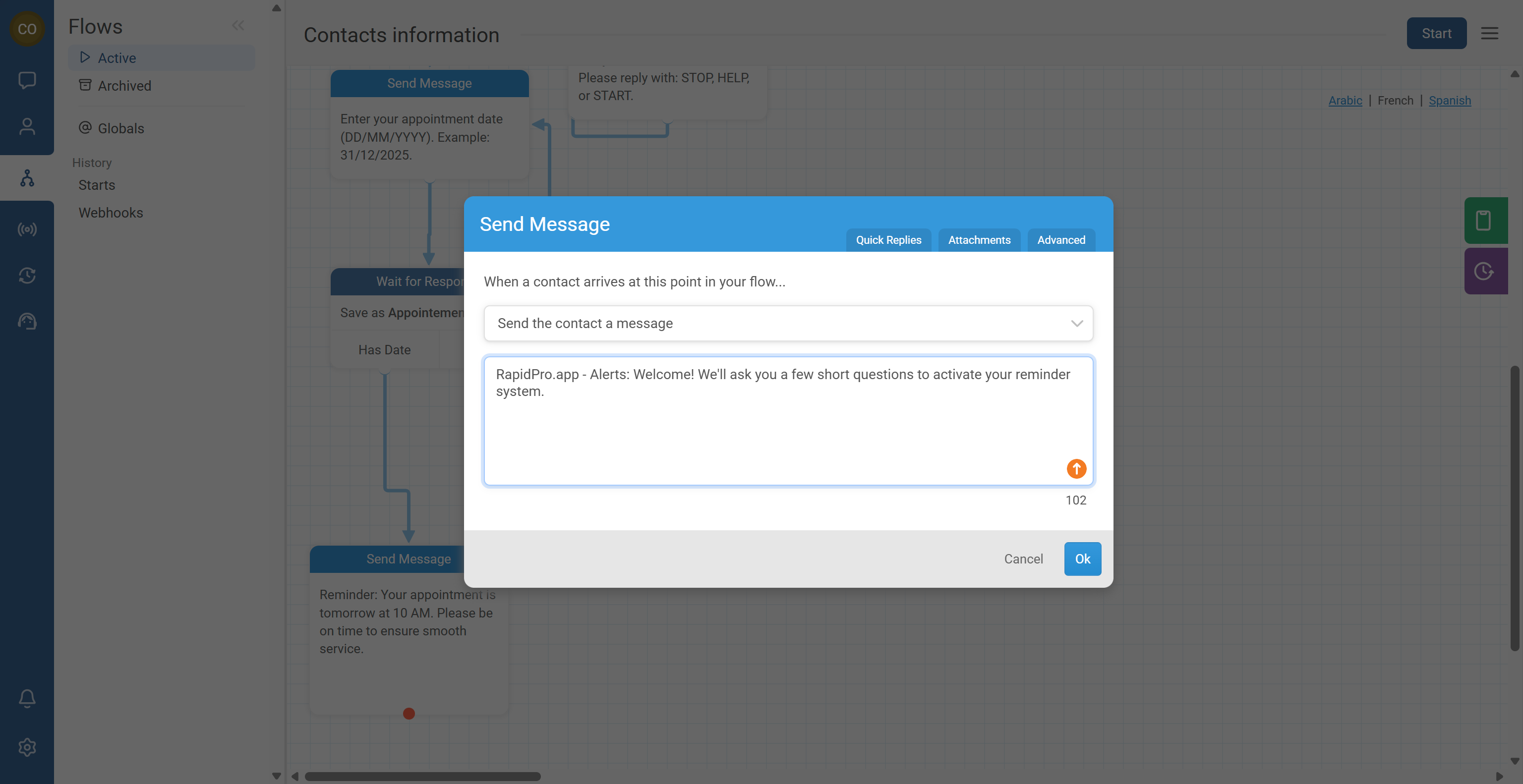
Contacts should always know who the message is from.
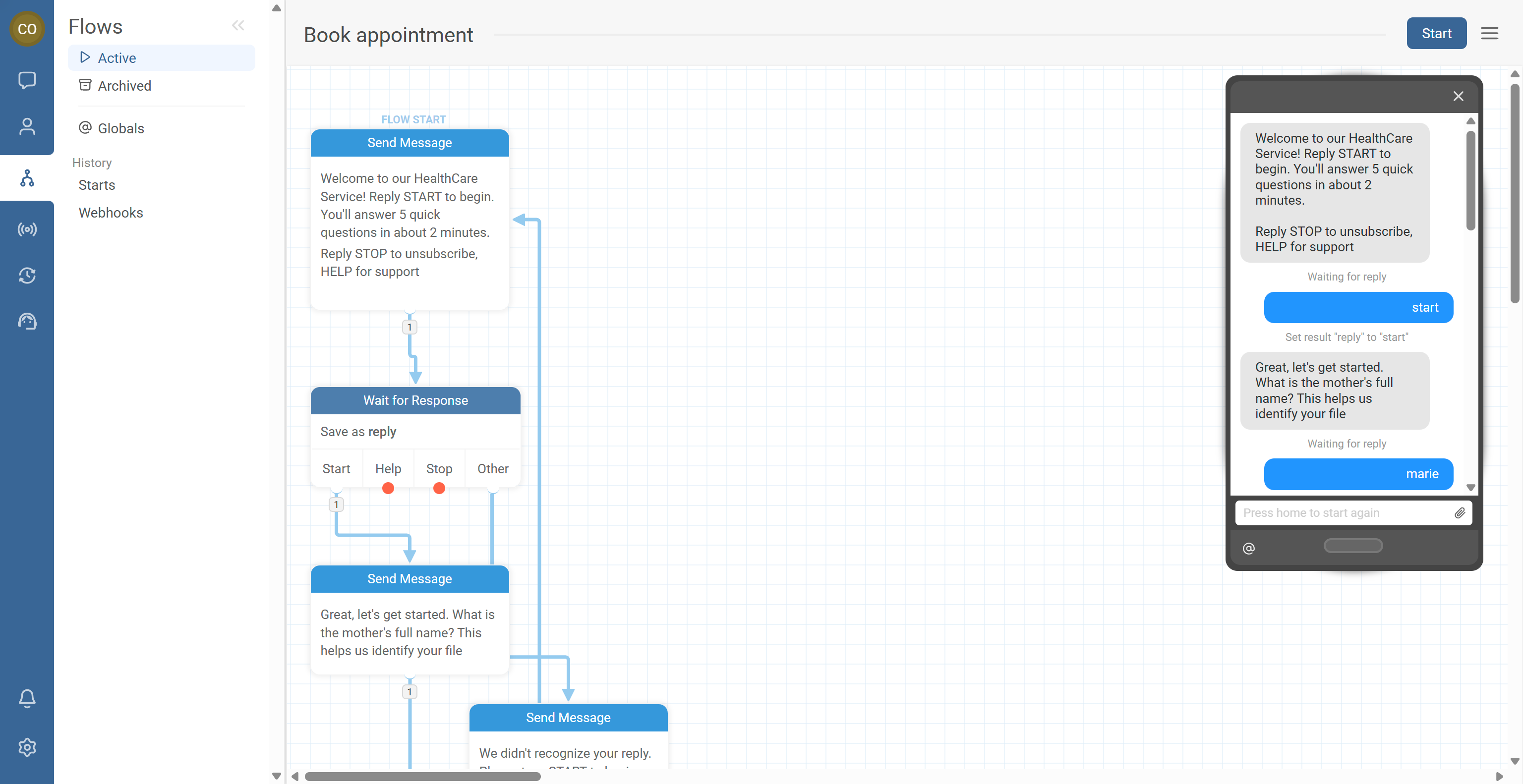
- In the first message (and in broadcasts), include your program name, organization, or service identity.
- Keep it short, for example:
- “RapidPro.app – Health Alerts:”
- “MOH Hotline:”
- “School Program:”
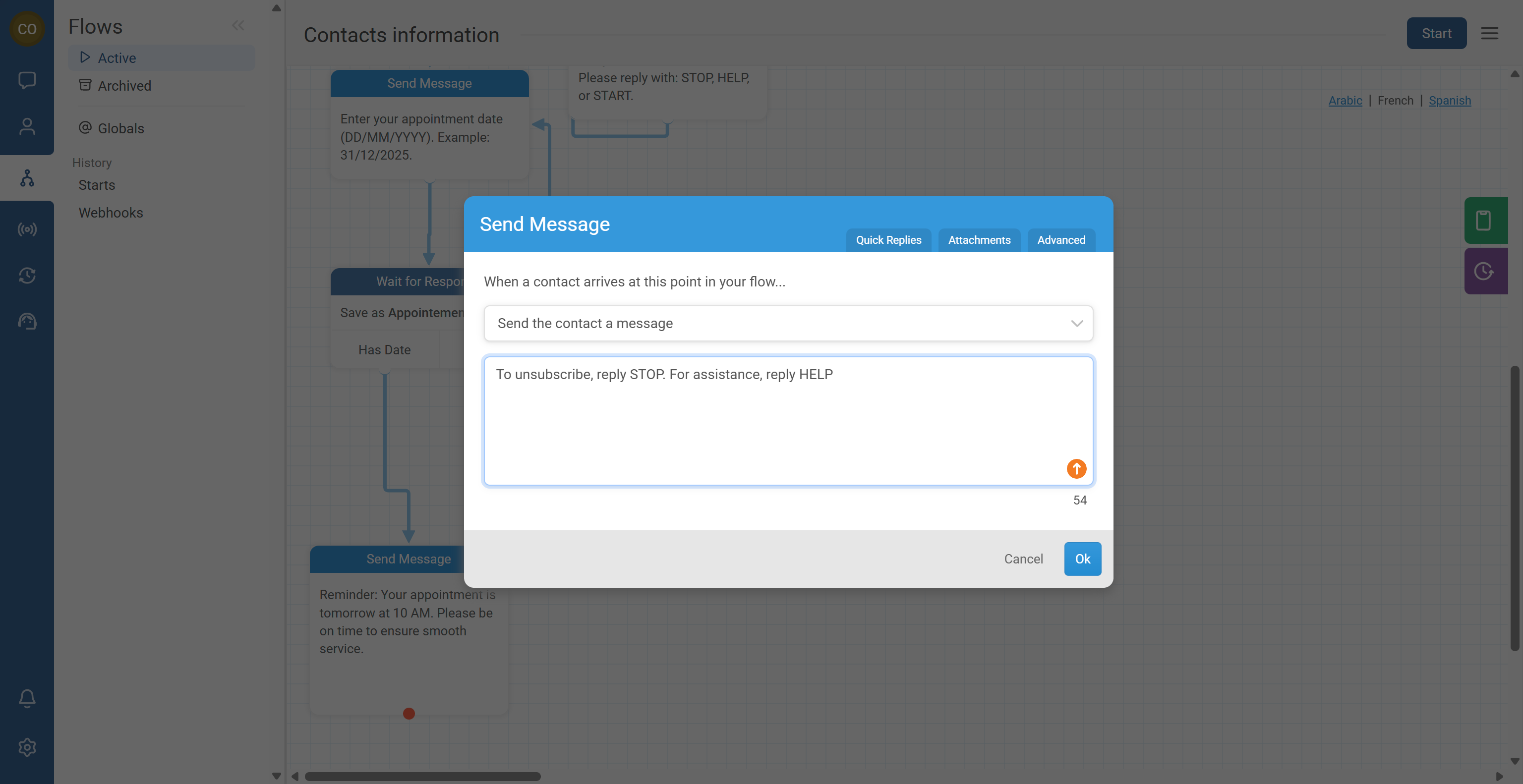
Support and opt-out options build trust and meet compliance expectations.
- Include help guidance:
- “Reply HELP for support” (or provide a support number)
- Include opt-out guidance when required:
- “Reply STOP to opt out”
- Keep it consistent across programs and languages.
Certain message types can increase opt-outs or reduce trust.
- For appointment reminders, consider whether being too specific could feel intrusive.
- Use neutral wording when appropriate:
- “You have an appointment tomorrow at 10:00.”
- Instead of “Your HIV test appointment is tomorrow at 10:00.”
- Choose privacy-first language for health, protection, or grievance contexts.
Testing avoids confusion and prevents bad broadcasts.
- Test all flows and messages in the simulator.
- Test on real devices and channels if possible (SMS/WhatsApp formatting can differ).
- Run at least two rounds of review:
- Internal team review (logic + tone)
- Pilot with a small user group (real contact behavior)
Common Issues & Quick Fixes
Problem: People don’t respond, or they respond with unrelated messages.
Fix: Make the call-to-action explicit (“Reply 1/2”, “Reply YES/NO”). Provide examples and expected format (especially for dates). Reduce message length and remove extra instructions.
Problem: High opt-out rate after a broadcast.
Fix: Identify the sender clearly in the first line. Use a neutral message style (especially for sensitive topics). Avoid overly repetitive content at scale—add light variation using variables. Confirm relevance: recipients should receive only what applies to them.
Problem: People complain they don’t understand what to do.
Fix: Replace vague text (“You may need…”) with direct actions (“Reply…”, “Call…”, “Click…”). Put instructions at the start, not the end. Use strong verbs and avoid long explanations.
Problem: Messages are too long for the channel.
Fix: Break one long message into two short ones. Remove non-essential words and keep one point per message. Move details into a URL or a help response rather than the main message.