


Write messages that get replies (fast path)
If you just need the essentials, follow this:
- Keep messages within channel limits using the character counter
- Set expectations in the first message (time / number of questions)
- Be explicit about the response format (examples + options)
- Use response rules + handle the Other path
- Loop “Other” back to the question to recover mistakes
- Adapt tone and wording to your audience
You’re done. If your messages are short, your expected formats are clear, and “Other” responses are handled, your flows will collect cleaner data.
Step-by-Step Process
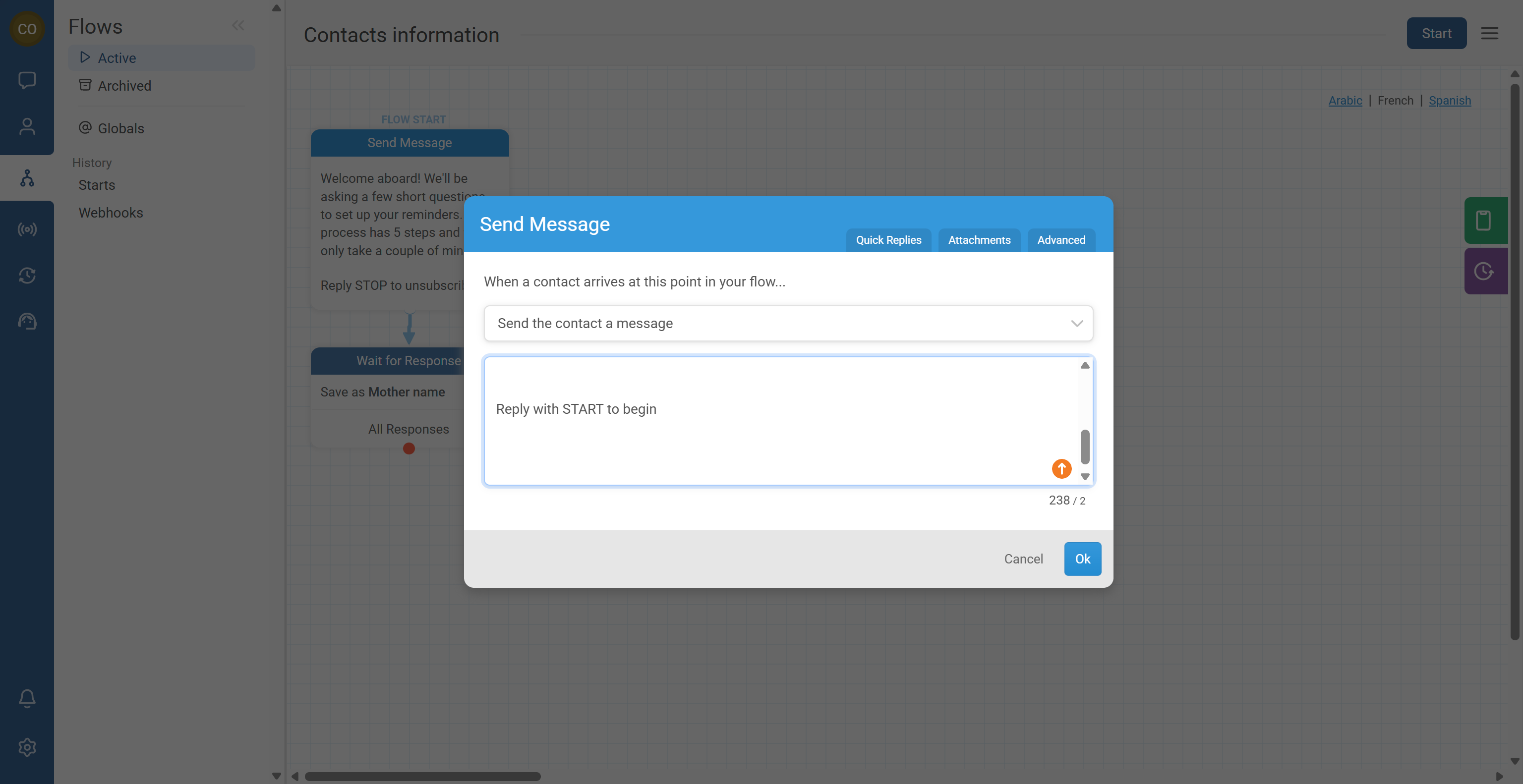
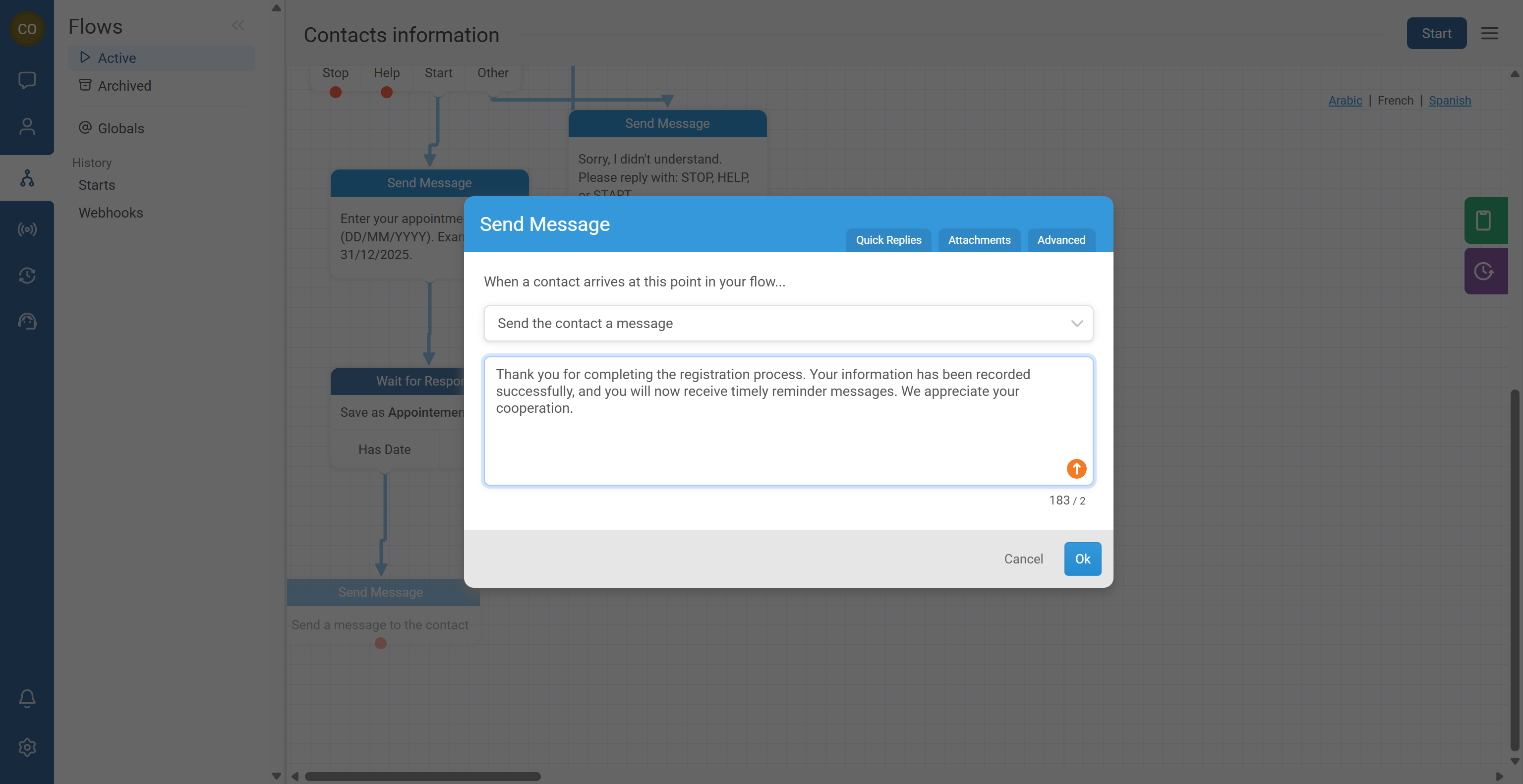
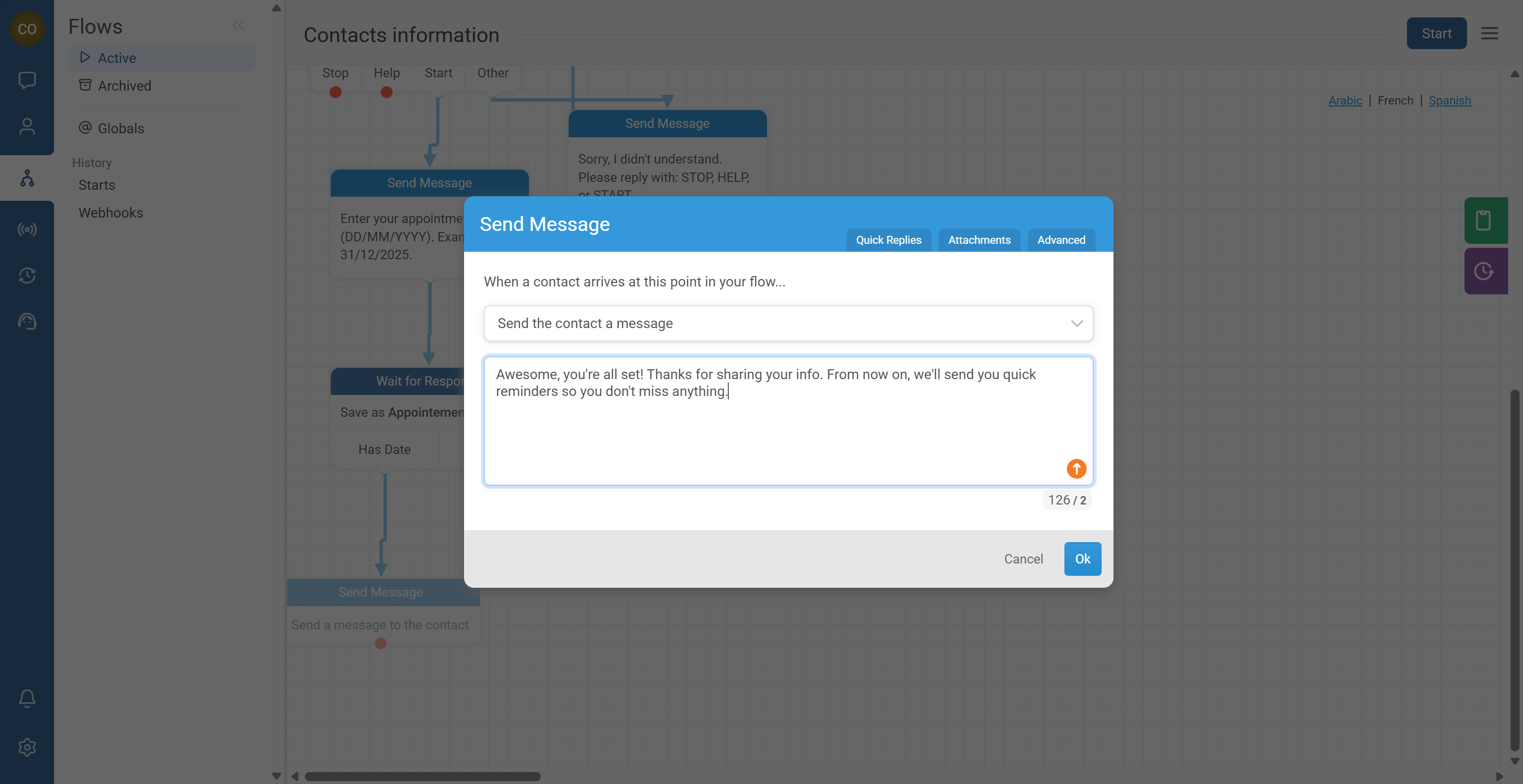
RapidPro.app supports long text in a Send Message action, but real channels often have their own limits.
- Write your message in a Send Message action.
- Check the character counter below the message field (if available in your UI).
- If you are sending SMS, remember that long messages may be split into multiple SMS segments depending on the channel.
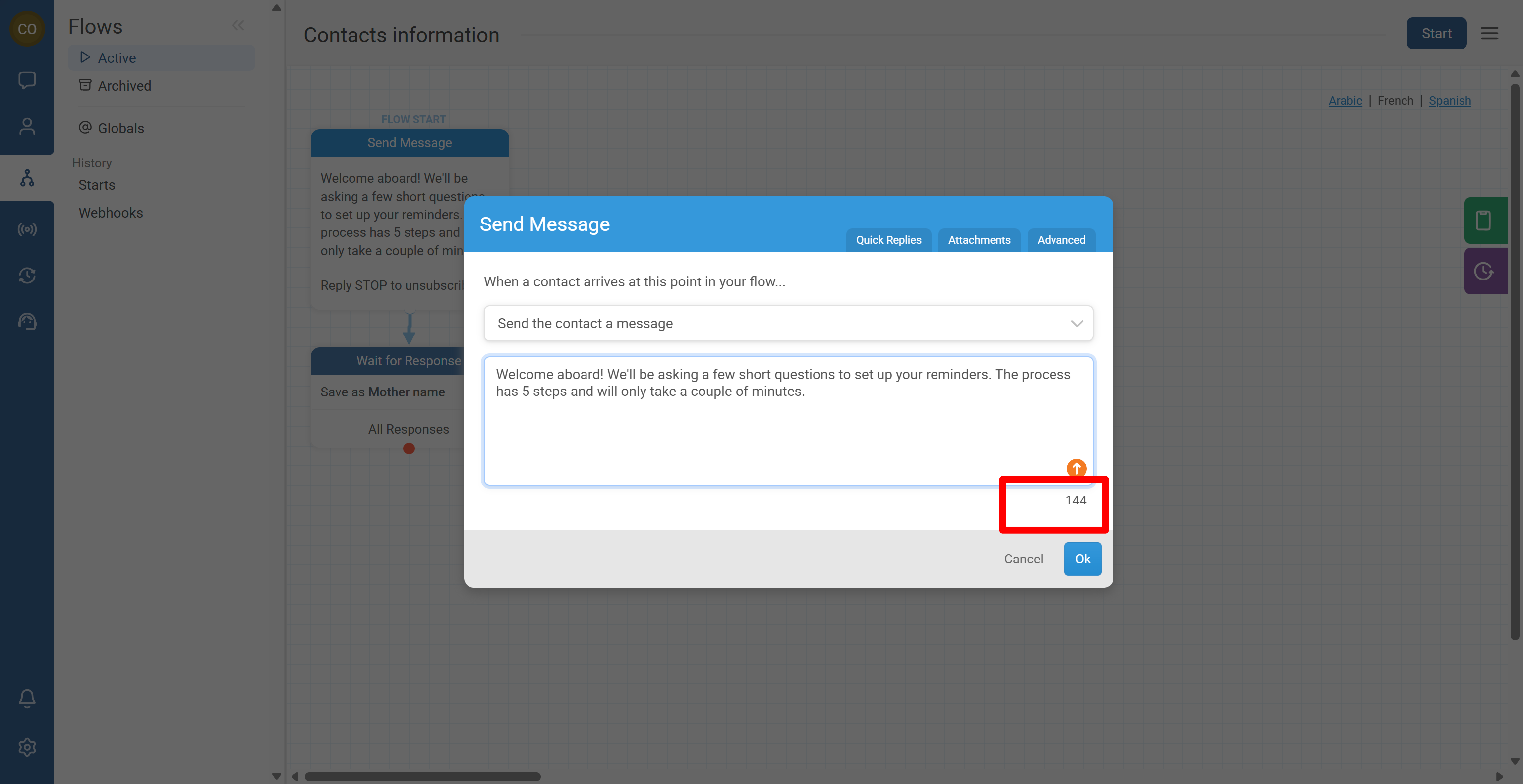
Contacts are more likely to finish a flow when they understand what it is and how long it will take.
- In your first message, clearly explain:
- What the service is for
- What the contact should do next
- If possible, include the approximate time or number of questions, for example:
- “This will take about 2 minutes.”
- “You’ll answer 5 quick questions.”
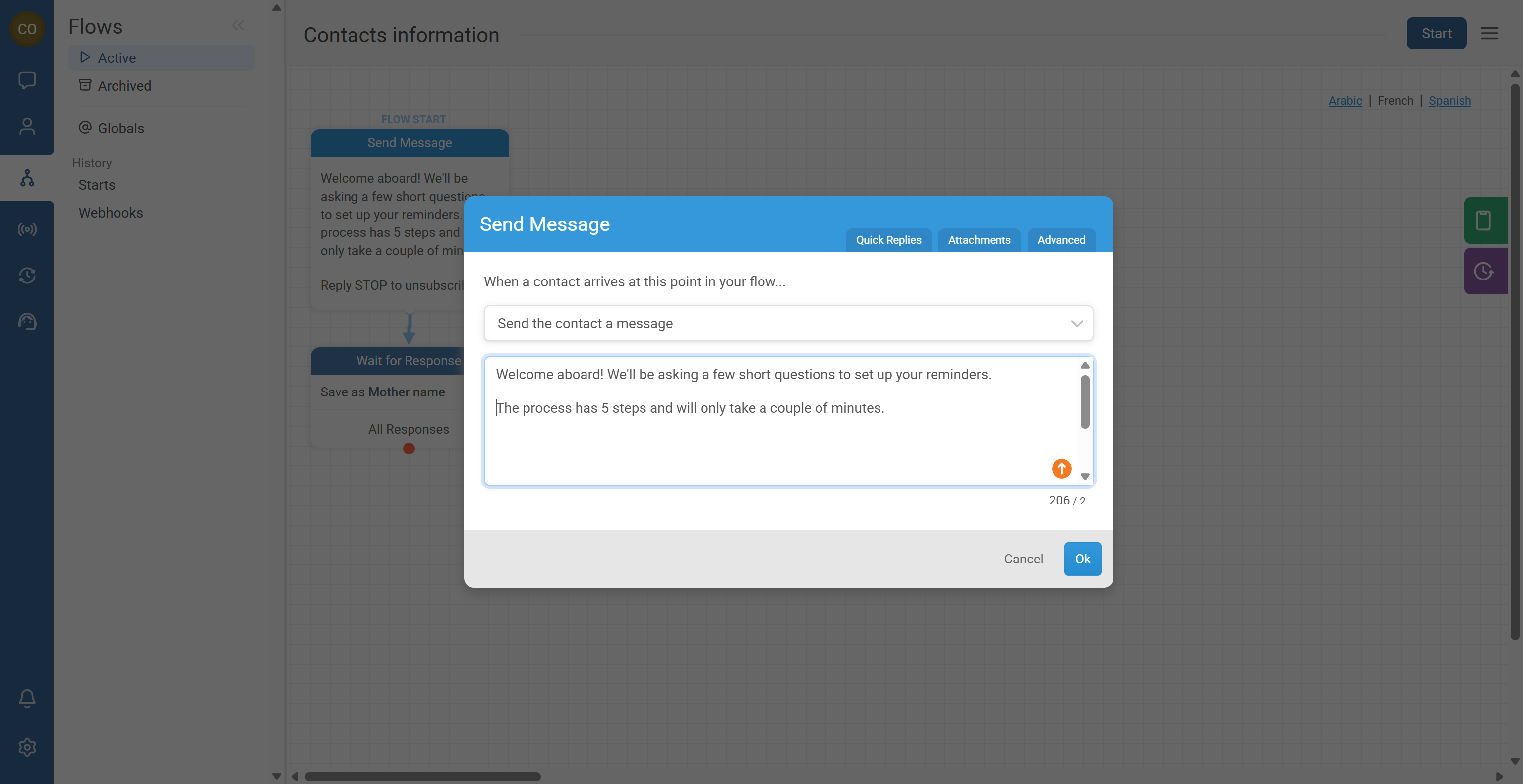
Depending on your channel and country regulations, you may need opt-out and help keywords in your messaging.
- Include opt-out language early (often in the first message), such as:
- “Reply STOP to unsubscribe.”
- Include assistance language such as:
- “Reply HELP for assistance.”
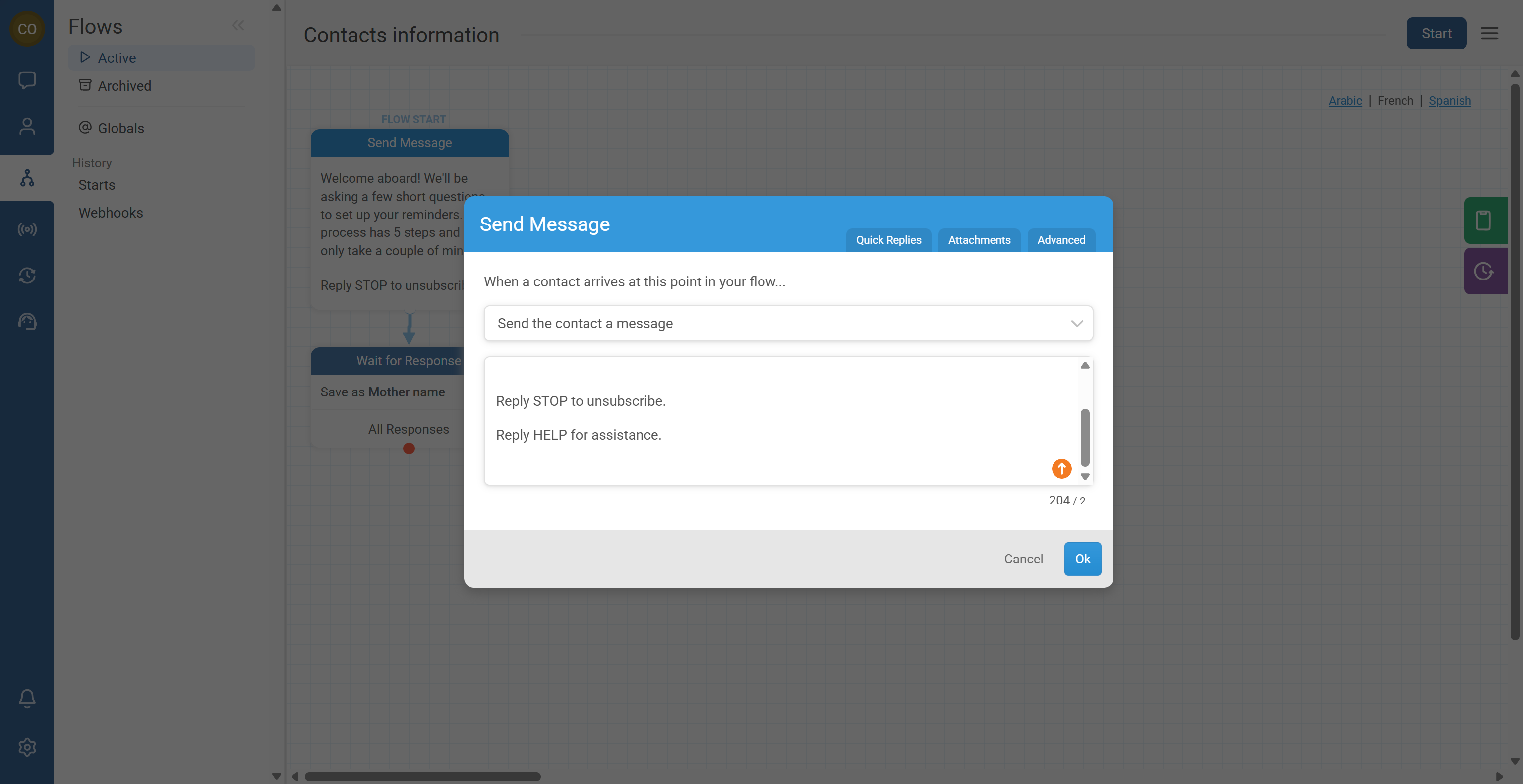
Your contact should immediately understand they can reply and the system will respond.
- Use questions that require a reply.
- Where relevant, start flows using keyword triggers so the contact clearly initiates the conversation (example: they text “START”).
- Keep prompts short so it feels like a real chat.
Clarity reduces messy data.
- Ask one question per message whenever possible.
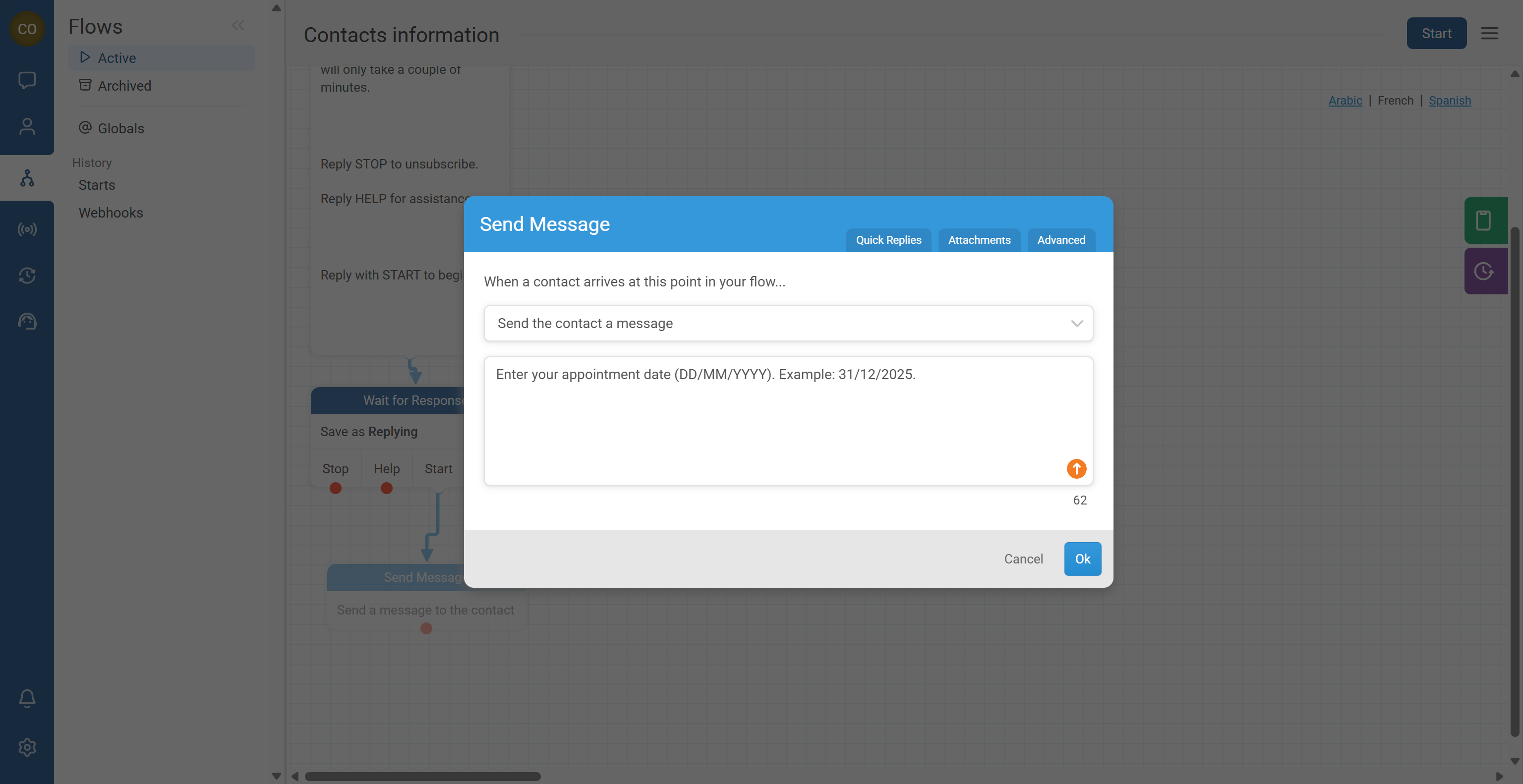
- Provide examples of valid answers, especially for structured data like dates:
- “Enter your appointment date (DD/MM/YYYY). Example: 31/12/2025.”
- If you need multiple-choice input, list the options clearly:
- “Reply 1 for Yes, 2 for No.”
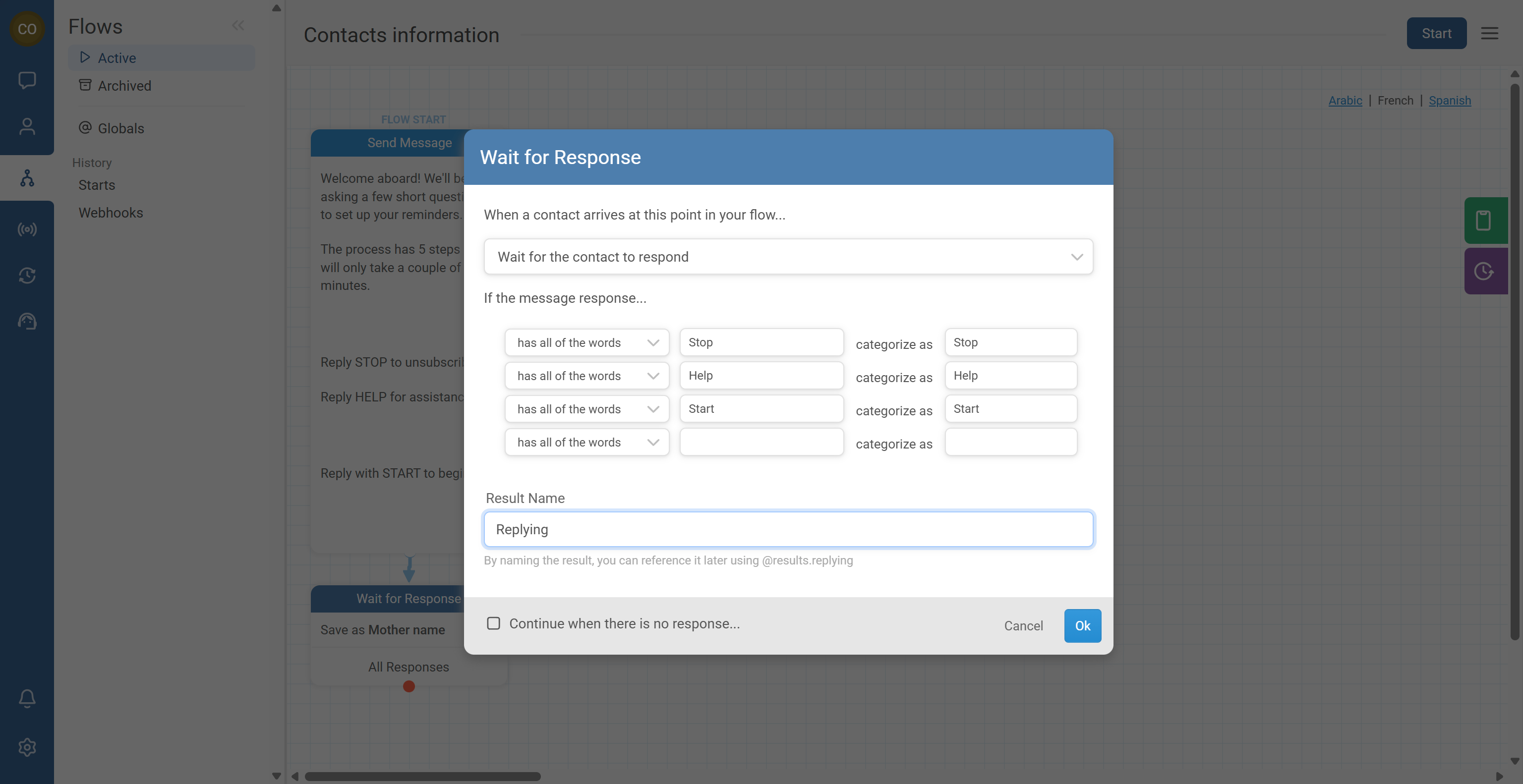
Response rules help you accept only valid answers and categorize everything else safely.
- In your Wait for Response node, configure a response rule such as:
- Multiple choice (specific allowed words)
- Numeric range
- Anything else supported in your editor
- Save the response into a clear result name (example: Water Source).
- Use an Other path to catch unexpected responses.
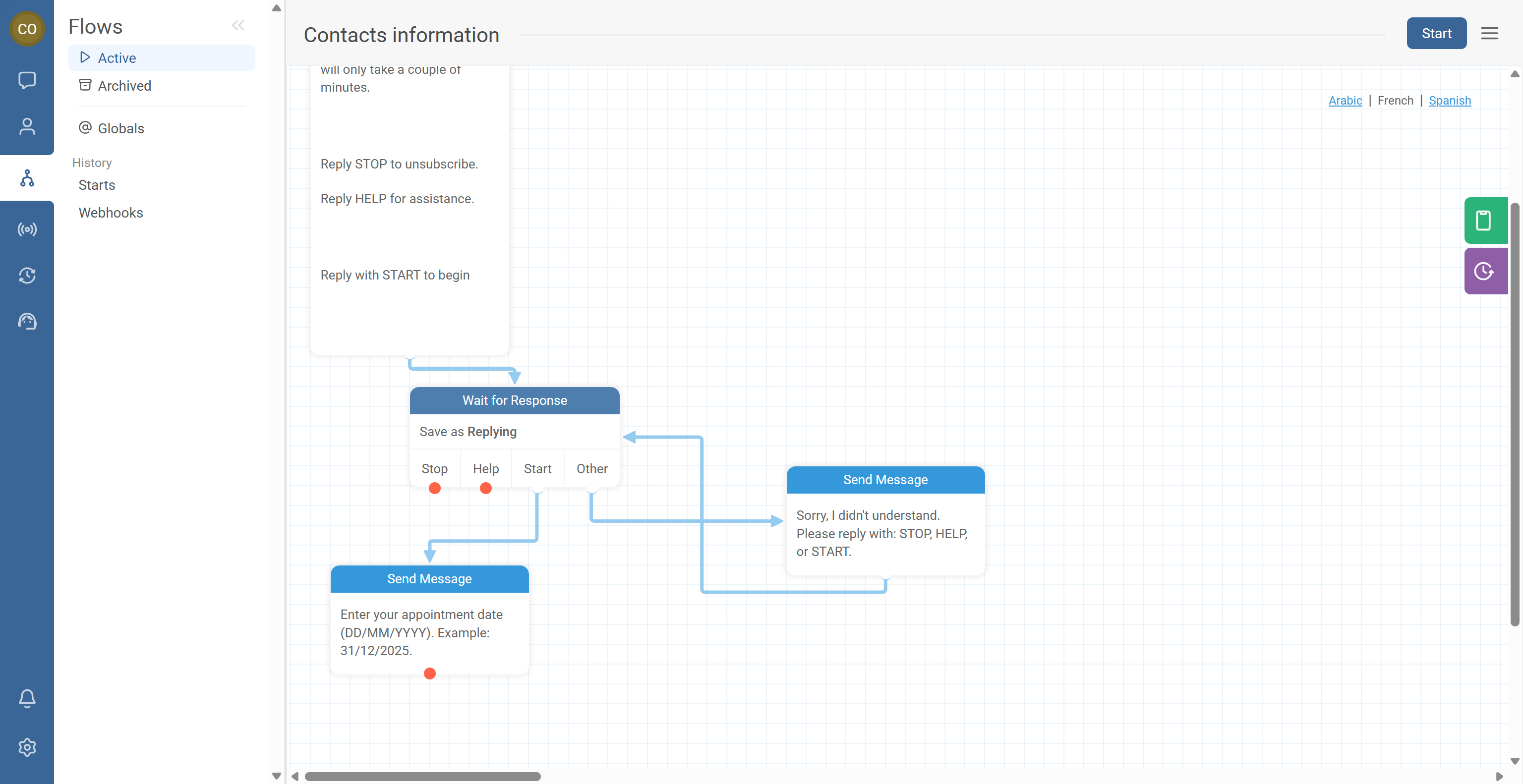
Even with clear messages, some contacts will reply with the wrong format.
- Create a connection from the Other exit to a message that restates the expected format, for example:
- “Sorry, I didn’t understand. Please reply with: Well, Tap, Stream, or Water Point.”
- Connect that clarification message back to the original question node.
Good content is not only “correct”—it must feel natural to your users.
- Choose words that fit your audience:
- Youth vs adults
- Technical vs simple vocabulary
- Use local terminology and common abbreviations (when appropriate).
- Ensure the tone is respectful and culturally appropriate.
Common Issues & Quick Fixes
Problem: Contacts stop replying midway through the flow.
Fix: Add a short expectation in the first message (“This takes 2 minutes” / “5 questions”). Reduce message length and complexity. Avoid sending multiple questions at once. Add a friendly reminder when someone replies incorrectly using the “Other” path.
Problem: Responses are messy or hard to analyze.
Fix: Use response rules in Wait for Response nodes. Provide multiple-choice options in the message itself. Add an Other loop to restate the expected format. Use consistent result names (e.g., water_source, age, village) across flows.
Problem: Contacts misunderstand date inputs.
Fix: Always provide the exact expected format (e.g., DD/MM/YYYY) and one example date. Keep the format consistent across all flows.
Problem: Messages exceed channel limits or get split unexpectedly.
Fix: Shorten messages and split long text into separate messages. Keep explanations mainly in the first message, then keep the rest short. Use variables to personalize without adding long text.
@contact.first_name) when broadcasting.Problem: The flow feels “robotic” or not appropriate for the audience.
Fix: Use simpler words and local expressions where appropriate. Match tone to the audience (youth-friendly vs formal). Add a quick “HELP” instruction for guidance. Test messages with a small pilot group and revise based on feedback.